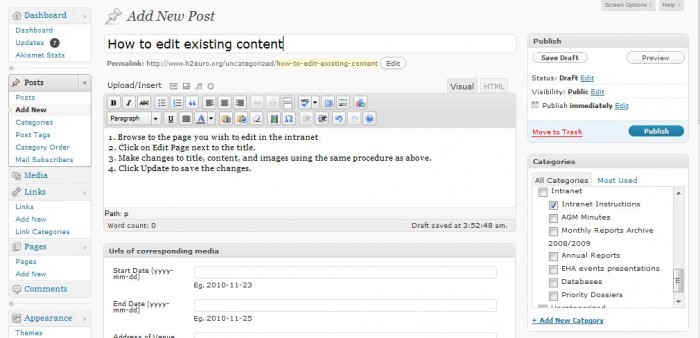
1. Browse to the page you wish to edit in the intranet
2. Click on Edit Page next to the title.
3. Make changes to title, content, and images using the same procedure as above.
4. Click Update to save the changes.

1. Browse to the page you wish to edit in the intranet
2. Click on Edit Page next to the title.
3. Make changes to title, content, and images using the same procedure as above.
4. Click Update to save the changes.